 11
11
Creating a relaxing home workspace is essential for maintaining focus, reducing stress, and increasing productivity. Whether you work remotely full-time or occasionally need a quiet spot to complete tasks, designing an environment that balances comfort with functionality can make a significant difference in your daily routine. Here, we explore practical tips and ideas to help you create a workspace at home that feels inviting and supports your best work.
A workspace that promotes calmness and comfort encourages better concentration and reduces the feeling of burnout. When your environment is cluttered, uncomfortable, or distracting, it can be difficult to maintain motivation and efficiency. Conversely, a well-organised and soothing workspace helps you feel more in control, refreshed, and ready to tackle your responsibilities.
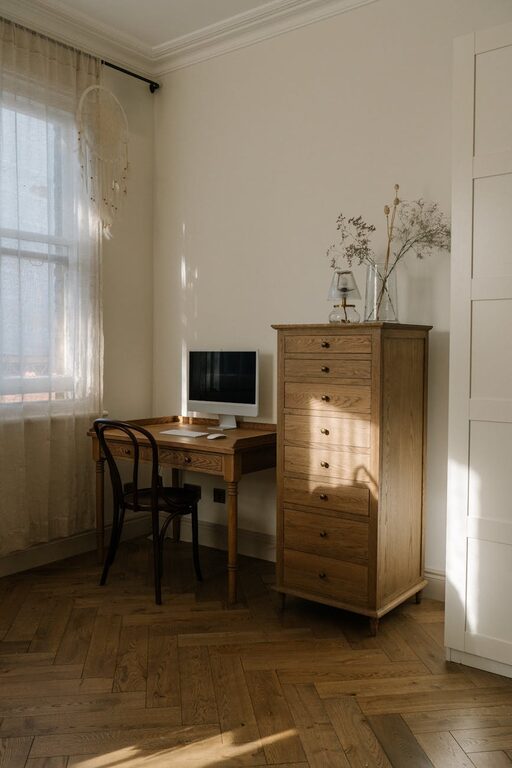
Selecting a workspace with ample natural light has been shown to improve mood and energy levels. Ideally, position your desk near a window to benefit from daylight. If natural light is limited, invest in adjustable desk lamps that mimic natural light to keep your workspace bright and uplifting.
Choose a quiet corner or room where interruptions are minimal. Noise-cancelling headphones or soundproofing materials such as rugs and curtains can help reduce background noise. Creating a dedicated work zone separate from leisure areas helps maintain focus and signals to others that you are working.
A supportive chair tailored to your body prevents discomfort and long-term health issues. Look for a chair with adjustable height, lumbar support, and comfortable cushioning to encourage good posture.
Your desk should provide enough space for your computer, documents, and any other tools you use regularly. Consider a height-adjustable desk if you prefer to alternate between sitting and standing throughout the day to avoid stiffness.
Keep essential items like keyboard, mouse, and monitor positioned for easy reach and minimal strain. Use monitor stands or laptop risers to ensure your screen is at eye level, reducing neck and shoulder tension.
Select colour schemes that promote relaxation and focus. Neutral tones such as soft whites, greys, and pastels work well. Adding small pops of colour, like green plants or calming blues, can make the space feel alive without overwhelming the senses.
Incorporate meaningful decor that lifts your spirits, such as family photos, artwork, or inspirational quotes. Be mindful not to overcrowd your workspace with too many items to maintain a clutter-free environment.
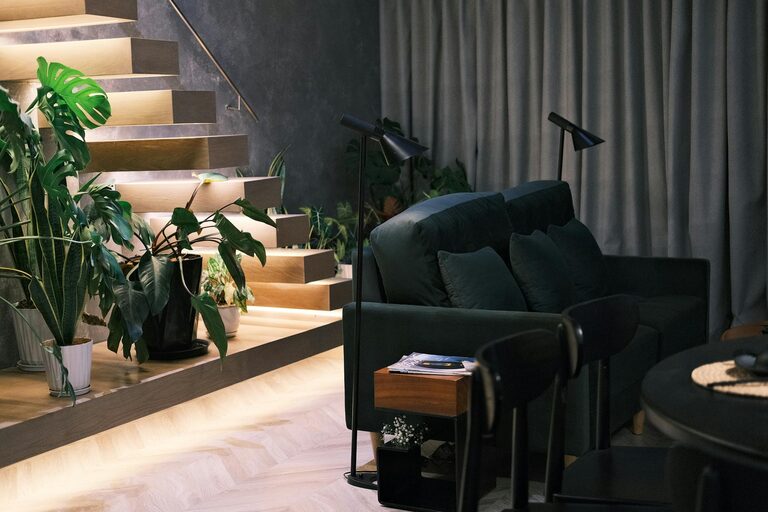
Indoor plants improve air quality and create a calming atmosphere. Easy-to-care-for options like snake plants, succulents, or peace lilies add a touch of nature and can reduce stress.
Keep paperwork and supplies organised with shelves, drawers, or desk organisers. Clear surfaces promote mental clarity and reduce the temptation to procrastinate.
Spend a few minutes at the end of each day clearing your desk and putting things away. Starting the next day with a tidy workspace helps you jump straight into work without distractions.
Clean up your computer desktop and organise files into folders. Use digital tools like calendars and task managers to keep on top of deadlines and priorities without feeling overwhelmed.
Taking short, frequent breaks helps maintain concentration and prevents fatigue. Use techniques such as the Pomodoro method – work for 25 minutes, then take a 5-minute break.
If space permits, set up a small area with a comfortable chair or cushion for quick breathing exercises or meditation. Simple relaxation techniques can refresh your mind and improve productivity.
Keep a water bottle and some healthy snacks within reach. Staying hydrated and nourished optimises brain function and energy levels throughout the day.
Position your computer screen to avoid glare from windows or lamps. Use blue light filters or glasses if you spend long hours in front of screens to protect your eyes.
Use cable organisers or clips to keep wires neat and prevent tangles. A clean setup reduces distractions and creates a visually pleasing workspace.
Ensure your workspace has a reliable internet connection to minimise frustration during virtual meetings or research. Consider upgrading your router or using Ethernet cables if needed.
Designing a relaxing home workspace is about creating an environment that supports both your productivity and well-being. By thoughtfully selecting your workspace location, investing in comfortable furniture, incorporating calming decor, staying organised, and taking regular breaks, you can build a space that helps you perform at your best while feeling comfortable and relaxed.
Remember, your workspace should be tailored to your personal preferences and needs, so don’t hesitate to experiment with different layouts and ideas until you find the perfect balance for you.